Google Flow Not Available in Your Country? How to Fix It
25 November 2026
Google Flow is an AI-powered filmmaking tool for creating videos, cinematic scenes, and visual content using Google's generative AI models, including Veo.
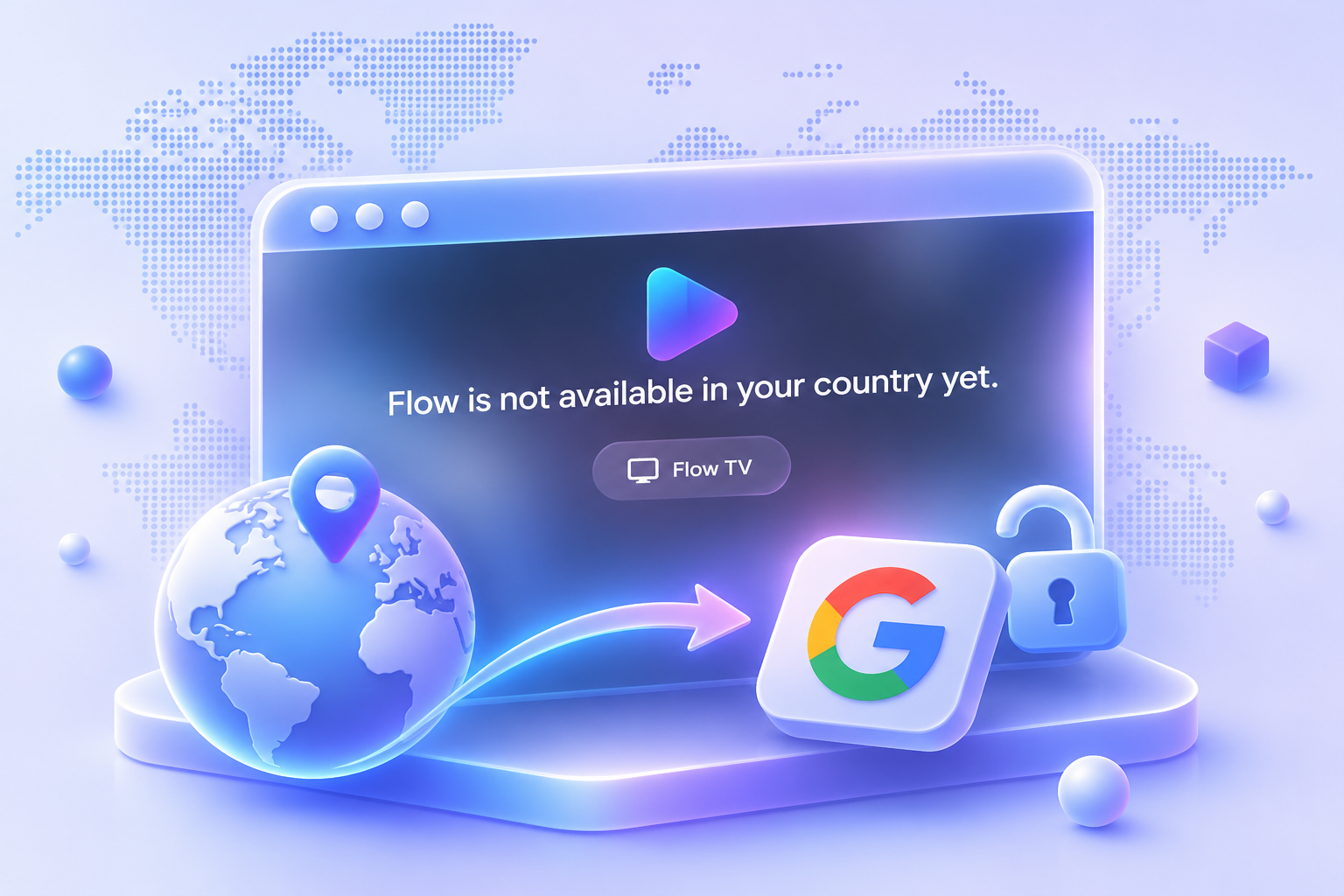
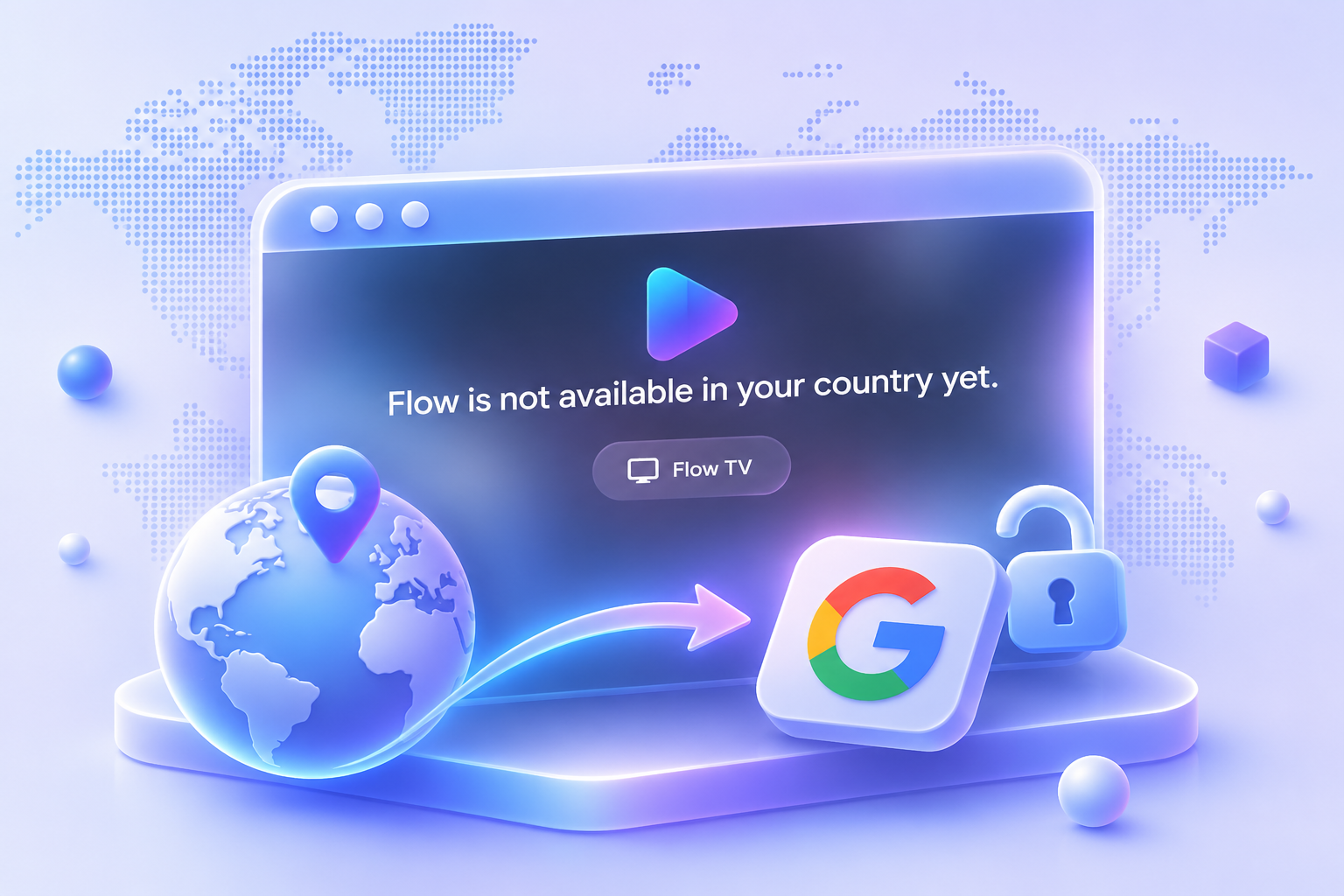
When trying to access the service, users may encounter the error message “Google Flow is not available in your region” or “Flow is not available in your country yet.” Even using a VPN doesn't always resolve the issue.
That's because Google takes into account not only your current location but also the country associated with your Google Account.
In this guide, we'll explain why Google Flow may not be working, how to set up a proxy for your Google Account, and how to submit an official country change request.
📌 Important
This guide is based on the hands-on experience of the Astro team and our users. We rely exclusively on transparent connection setup methods and official Google tools.
Unlike some methods for accessing Google Flow circulating online, this guide does not require running unknown scripts, executing third-party code in your browser console, sharing your Google Account credentials with third-party services, or installing unverified browser extensions.
We recommend exercising caution with such methods, as they may compromise your account and expose your personal information.
Why Google Flow Is Not Available Even With a VPN
Google Flow is not available in every country. Access to certain AI models and video generation features may also vary depending on your region.
According to Google's official documentation, the country associated with your account is determined as follows:
- For new accounts, Google considers the region where the account was created.
- For accounts more than a year old, Google considers the region from which you most frequently accessed its services over the past year.
- If you move to another country, your account's country association may take approximately a year to update automatically.
In other words, changing your IP address does not automatically change the country associated with your Google Account.
For example, if you've moved to another country but continue using an account you created several years ago, Google may still associate it with your previous region.
This is why you may continue seeing the Google Flow availability error even after connecting to a VPN or proxy.
How to Check if Google Flow Is Available in Your Country
Before changing your account settings, check whether Google Flow is supported in your country of residence.
The current list of supported countries is available in the official Google Flow Help Center.
You must also meet Google's age requirements to use the service. Make sure your date of birth is listed in your Google Account. Access to certain AI models and advanced features may require a Google AI subscription.
If your country is supported but Google Flow continues to display an availability error, check your network connection and the country associated with your account.
How to Change Your Google Account Country for Google Flow: A Step-by-Step Guide
Google provides an official form that allows you to request a change to the country associated with your Google Account.
This method may be helpful if you've moved to another country, work or study abroad, or believe Google has incorrectly identified your region.
Step 1. Create a Separate Profile in an Antidetect Browser
You can use a dedicated antidetect browser profile to access Google Flow.
💡 What Is an Antidetect Browser? An antidetect browser is a specialized browser that allows you to create isolated browser profiles with individual digital fingerprints, cookies, and proxy settings. Its main advantage is the ability to maintain a separate browsing environment for each account, preserve settings across sessions, and manage each profile's network connection independently. Popular examples include AdsPower, GoLogin, and Octo Browser.
Create a new browser profile dedicated to your Google Account.
Using an antidetect browser is not a Google requirement. However, it allows you to maintain a separate browsing environment with dedicated proxy settings.
Step 2. Set Up a Proxy for Google Flow
The next step is to configure a proxy server in your newly created browser profile.
You can use either residential or mobile proxies for this purpose.
Both types of IP addresses are available through Astro.
To configure your proxy:
- Sign up for an Astro account.
- Select residential or mobile proxies.
- Choose the country and city you need.
- Create a proxy port.
- Copy your proxy connection details: server address, port, username, and password.
- Enter these details in your antidetect browser profile's proxy settings.
- Save your settings and launch the browser profile.
When working with a single Google Account, we recommend avoiding unnecessary or excessively frequent changes to your IP address and connection country.
Step 3. Check Your Proxy IP Address and Geolocation
Before signing in to Google, make sure your proxy connection is configured correctly.
Open https://iprify.com in your newly created antidetect browser profile. This tool allows you to check your public IP address, connection country, internet service provider, and other network details.
Make sure the displayed country matches your selected proxy location.
If the country is detected incorrectly, review your connection settings or contact your proxy provider's support team.
Step 4. Sign In to Your Google Account
Once you've verified your proxy connection, open Google in the same browser profile and sign in to the account you plan to use with Google Flow.
Complete two-factor authentication or any additional security checks if prompted.
Avoid switching your connection country unnecessarily while using your account.
Step 5. Open Google's Official Country Change Request Form
Go to:
This is Google's official form for requesting a change to the country associated with your account.
Make sure you're signed in to the Google Account whose country association you want to update.
Step 6. Submit Your Country Change Request
In the form, select your actual country of residence and provide an accurate reason for requesting the change.
Depending on your circumstances, valid reasons may include:
- Moving to another country.
- Living in one country while working or studying in another.
- Frequent international travel.
- An incorrectly assigned country or region associated with your account.
Submit your request for review.
Step 7. Wait for Google's Decision
After you submit the request, Google will review it.
Processing times may vary. Submitting the form does not guarantee that your account's country association will be updated. Google makes its decision based on the available information and your individual circumstances.
Step 8. Check Your Access to Google Flow
If Google approves your country change request, reopen the service:
Check whether the regional availability error has disappeared and whether you can create projects and use video generation features.
For future sessions, we recommend continuing to use the same browser profile from which you submitted your country change request. This helps preserve your connection settings and browsing session data.
What Are the Best Proxies for Google Flow?
When choosing a proxy for your Google Account, consider the source of the IP address, its geographic location, and connection stability.
Let's compare the three main types of proxies.
Residential and mobile proxies are both options worth considering when working with Google Accounts.
Residential Proxies for Google Flow
Astro residential proxies use IP addresses from regular residential internet service providers.
They are suitable for accessing web services, checking regional website availability, and configuring individual browser profiles.
Residential proxies are a versatile option for users who need an IP address from a specific country.
Mobile Proxies for Google Flow
Astro mobile proxies provide IP addresses from real mobile carrier networks.
This type of connection can be useful when working with online services that have particularly strict fraud detection systems.
Why Use Astro Proxies for Google Flow?
Astro is a proxy provider offering residential, mobile, and datacenter IP addresses with precise geographic targeting.
Key features include:
- Residential, mobile, and datacenter proxies.
- Proxy locations in more than 100 countries.
- Flexible IP rotation settings.
- Compatibility with antidetect browsers.
- Prepaid traffic plans and usage-based pricing.
- A free proxy trial.
- Technical support to help you configure your connection.
With customizable proxy settings, you can create a dedicated browsing environment for Google Flow and other AI tools without changing the network connection for your entire device.
Want to see how proxies work with your Google Account? Get a free Astro proxy trial and test your connection before making a purchase.
What to Do if Google Flow Still Isn't Working
If Google Flow remains unavailable after setting up a proxy or updating your account's country association, check the following:
- Whether Google Flow is supported in your actual country of residence.
- Whether your proxy IP address and location are detected correctly.
- Whether Google has approved your country change request.
- Whether you've completed any required age verification.
- Whether your subscription meets the requirements for the features you want to use.
- Whether you're using a supported browser.
- Whether you're signed in to the correct Google Account.
If you meet all the requirements but the error persists, contact Google Support.
Google explicitly states that using a VPN does not enable access to Flow in unsupported regions. A proxy connection does not guarantee that regional restrictions will be lifted either.
Frequently Asked Questions
Why Does Google Flow Say It's Not Available in My Country?
This error may be caused by Google Flow's regional restrictions, your current location, or a mismatch between the country associated with your Google Account and your actual country of residence.
Why Is Google Flow Not Working With a VPN?
A VPN changes your public IP address but does not automatically update the country associated with your Google Account. Google also applies its own regional eligibility requirements for accessing the service.
How Do I Change the Country Associated With My Google Account?
You can submit a request using Google's official Country Association Form. You will need to provide your actual country of residence and a valid reason for requesting the change.
Can I Use Google Flow in Russia?
Google Flow availability is determined by Google's official list of supported countries. If your country of residence is not supported, using a VPN, connecting through a proxy, or changing your account settings does not guarantee access.
Can I Use Google Flow Without a VPN?
Yes, as long as you're in a supported region and meet the service's eligibility requirements. You can also use a proxy to configure a dedicated network connection for your browser.
Do I Need to Create a New Google Account?
Not necessarily. If the country associated with your existing account is incorrect, you can request an update using Google's official country change form.
What Type of Proxy Should I Use for Google Flow?
You can use residential or mobile proxies with a suitable geographic location and IP rotation settings to create a dedicated browser profile for Google Flow.
Can I Try Proxies for Google Flow for Free?
Yes. Astro offers a free proxy trial, allowing you to evaluate connection quality and compatibility with the web services you need before making a purchase.
Final Thoughts
If Google Flow is not available in your country even when using a VPN, the issue may be related not only to your IP address but also to the country associated with your Google Account. If your account's region has been identified incorrectly, use Google's official country change request form and make sure you meet Google Flow's eligibility requirements.
To create a dedicated browsing environment and configure a connection through an IP address from a specific country, consider using residential or mobile proxies.
Try Astro proxies for free, configure your connection in the antidetect browser of your choice, and test this setup with Google Flow and other AI tools.